
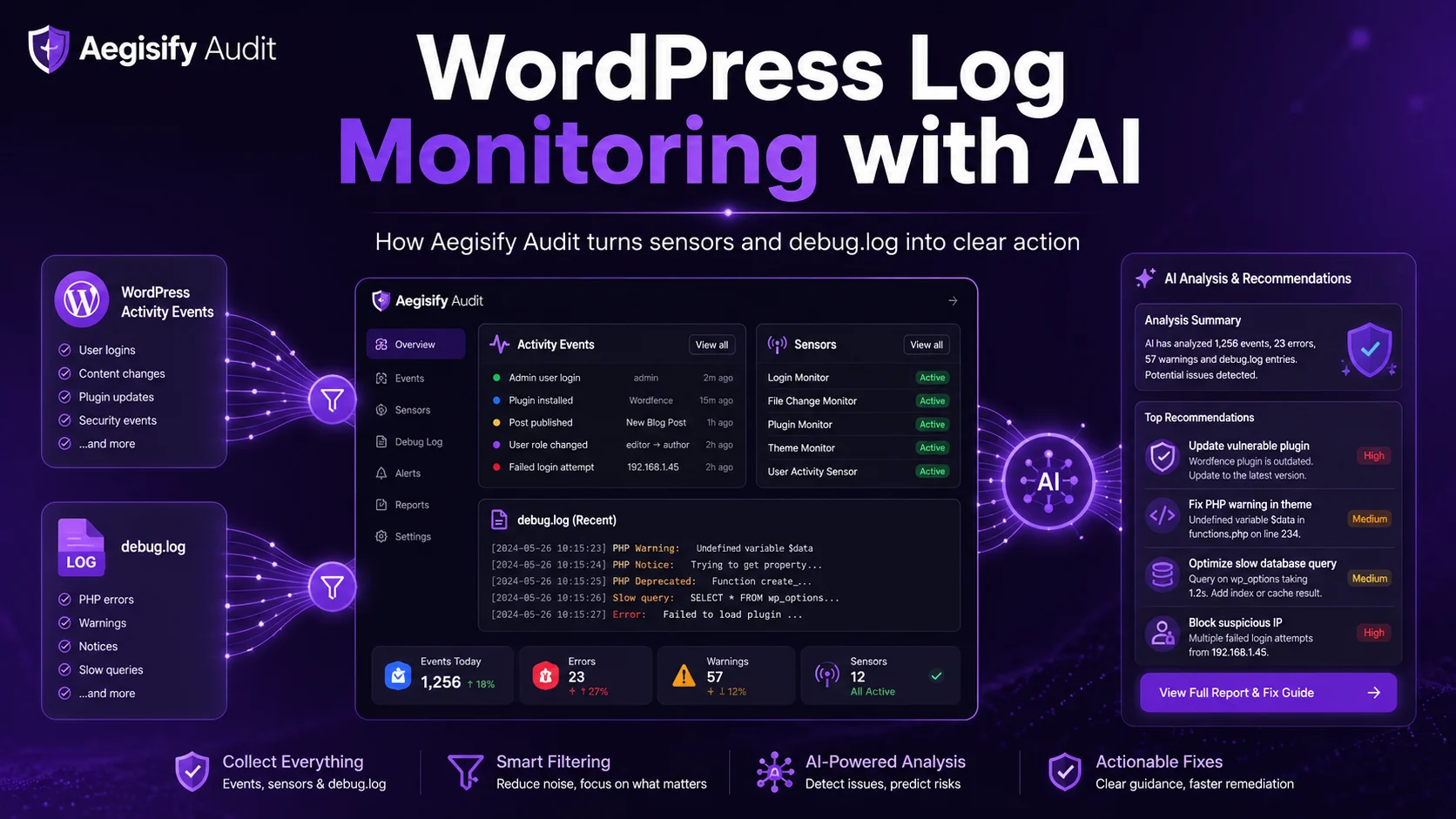
WordPress Log Monitoring with AI: How Aegisify Audit Turns Sensors and debug.log Into Clear Action
If you run WordPress long enough, log noise becomes a real problem. One plugin changes a setting. A user fails three logins. A theme update goes live. A menu changes. A page is unpublished. Then debug.log starts filling up with warnings, notices, stack traces, or failed requests. The data is there, but the meaning is not. Most site owners, agencies, and WooCommerce teams do not need more raw lines. They need context, priority, and a safer path to fix what matters.
That is the problem Aegisify Audit is built to solve.
Aegisify Audit uses the Aegisify Agent to collect WordPress activity events through sensors and to fetch debug.log through controlled telemetry access. Instead of treating logs like a giant text dump, Aegisify turns WordPress changes into structured events, separates them by category and severity, and makes them reviewable inside the audit workflow. Then Aegisify AI can help analyze those logs, explain what likely happened, and suggest human-reviewable next steps.
Why this matters for WordPress
WordPress sites change constantly. Plugins update. Themes switch. Users log in and out. Comments are approved or trashed. Settings change. Media gets uploaded. Posts get published, moved, or deleted. Those actions can be harmless, expected, risky, or a sign of a bigger issue. Without structure, teams waste time guessing.
The usual problem looks like this: a debug.log file grows too large to read quickly, important warnings get buried under repetitive noise, admins do not know which WordPress change happened before the issue started, agencies cannot easily explain the timeline to clients, and security or operations teams lose time piecing together what changed and when.
Aegisify Audit addresses that by collecting two valuable signals together.
First, it uses WordPress Activity Events. These are structured events generated by sensors inside the Agent. Instead of just showing raw code output, the Agent records meaningful actions such as plugin activation, failed login, permalink update, or theme deletion.
Second, it uses debug.log. This gives the deeper runtime layer. When PHP warnings, notices, fatal patterns, or plugin conflicts appear, debug.log helps explain the technical side of the problem.
Together, those two sources create a stronger investigation path: what changed, who did it, when it happened, what the application reported, and what should be reviewed next.
How Aegisify Audit collects the data
The Aegisify Agent lives on the WordPress site. It watches WordPress actions through sensors and stores recent structured events. It can also expose debug.log fetch through Telemetry Access Control, which means log collection can be allowed deliberately instead of left open by default.
That matters because serious WordPress teams want visibility without losing control.
In practical terms, the workflow is simple. The Agent records WordPress activity through enabled sensors. The Agent can return recent activity events with sensor labels, categories, severity, and details. The Agent can fetch debug.log from wp-content when that route is allowed. Aegisify Audit then pulls those sources into the SaaS workflow for review, triage, and follow-up.
This helps solve a common WordPress failure: teams often have one piece of the story but not the full chain. They may see an error in debug.log but not know which admin action came first. Or they may see a change in WordPress but not know why the site started throwing warnings right after. Aegisify helps connect those dots.
Related Articles
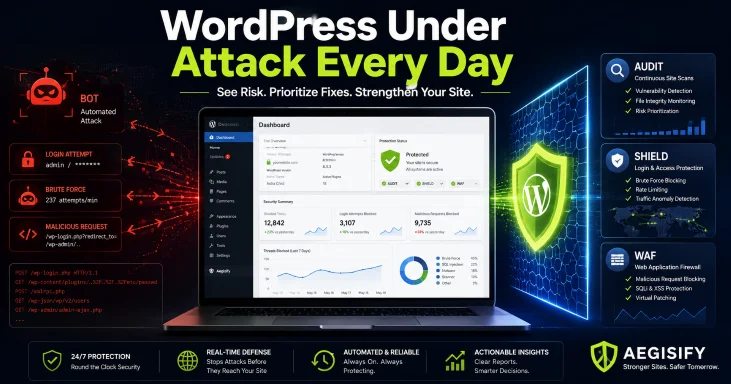
Your WordPress Site Is Under Attack Every Day: How Aegisify [...]
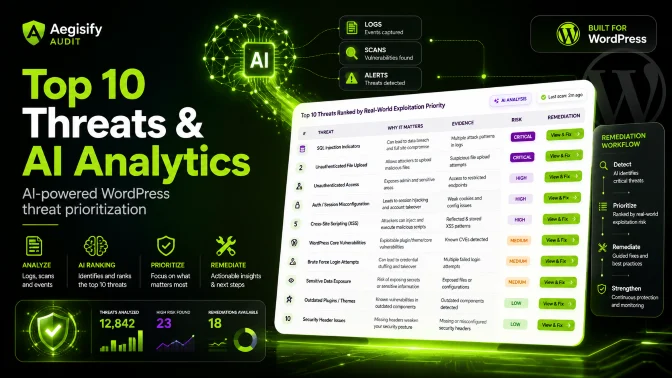
Start With a Clear Security Picture Use Aegisify [...]
WordPress Log Monitoring with AI: How Aegisify Audit Turns Sensors [...]
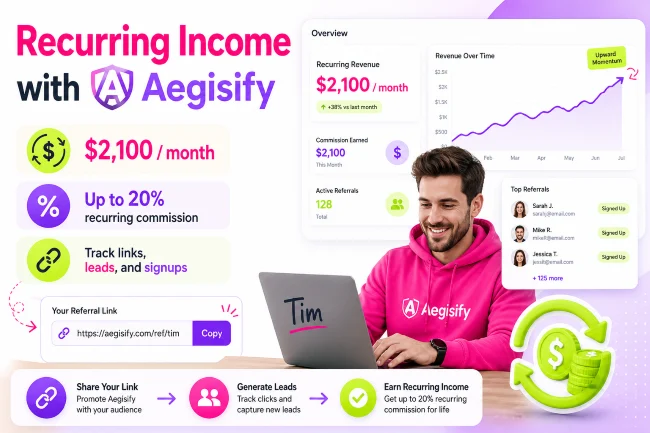
How Tim, A web designer, a partner gets $2,100 a [...]
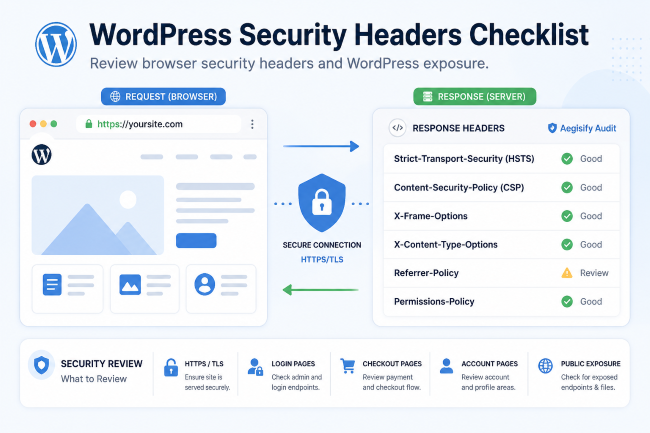
WordPress Security Headers Checklist Security headers help browsers enforce [...]
