


Skip to content
  • Run An Audit Scan
  • Aegisify Security & Trust Center
  • About Aegisify Audit
  • Register Now

Aegisify Audit

  1. Home
  2. Aegisify Audit
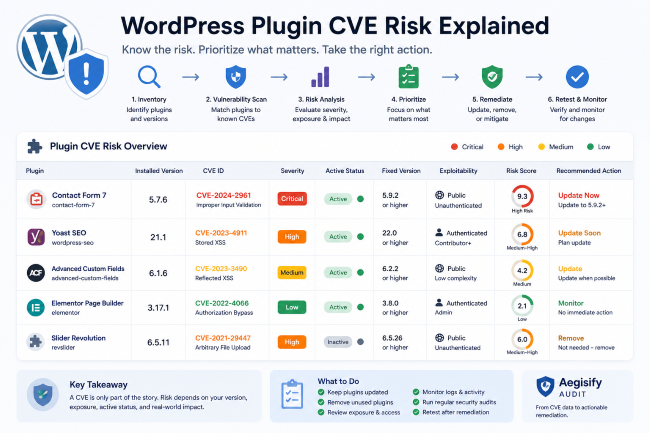
  • A security warning icon displaying a red shield with a white exclamation mark, representing a WordPress vulnerability.

    WordPress Plugin CVE Risk Explained: What Site Owners Should Actually Do

    read more
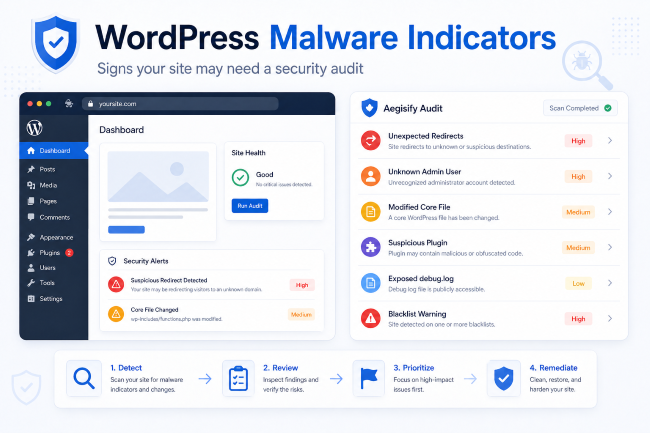
  • A red warning shield icon representing WordPress malware protection.

    WordPress Malware Indicators

    read more
  • A magnifying glass hovering over a digital document containing the word SEO, representing spam detection.

    WordPress SEO Spam Detection

    read more
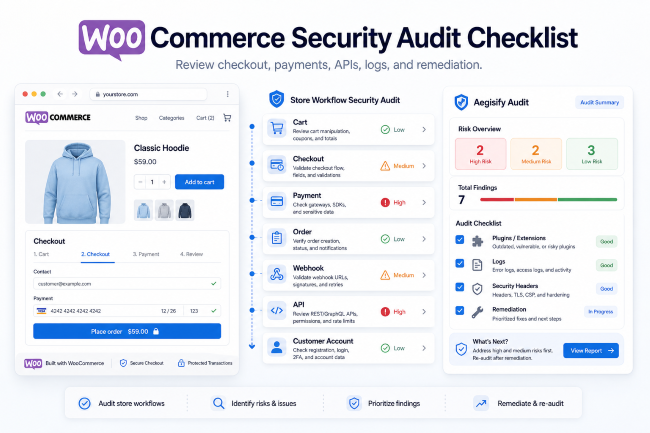
  • A shield icon representing WooCommerce security auditing services.

    WooCommerce Security Audit Checklist for Stores, Agencies, and Operators

    read more
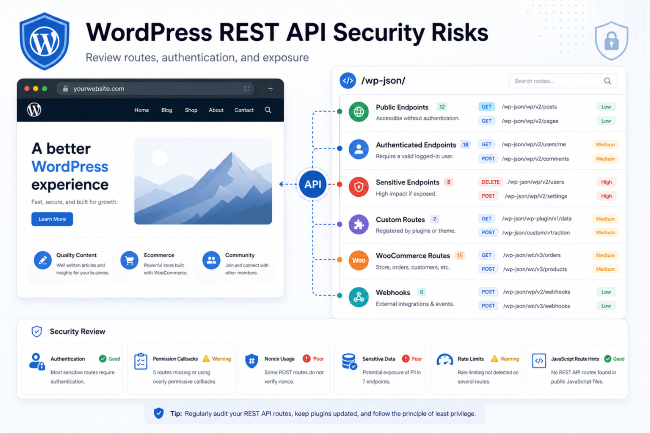
  • REST API icon representing software integration and data exchange.

    WordPress REST API Security Risks: What to Check Before It Becomes a Problem

    read more
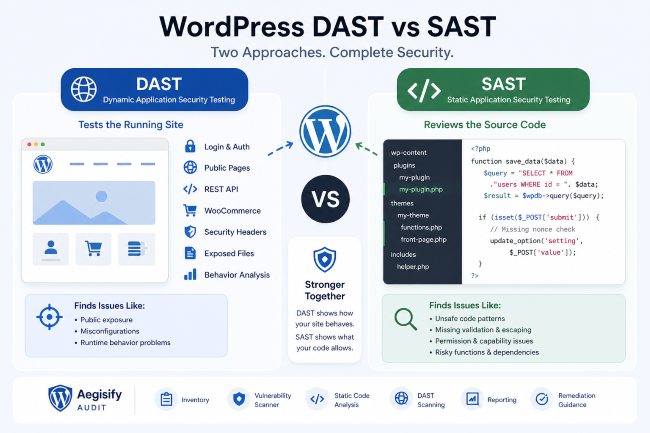
  • Comparison chart showing DAST testing the running application versus SAST analyzing source code.

    WordPress DAST vs SAST: What Site Owners and Agencies Need to Know

    read more
  • A checklist icon representing a WordPress security audit process.

    How to Run a WordPress Security Audit: Step-by-Step Checklist

    read more
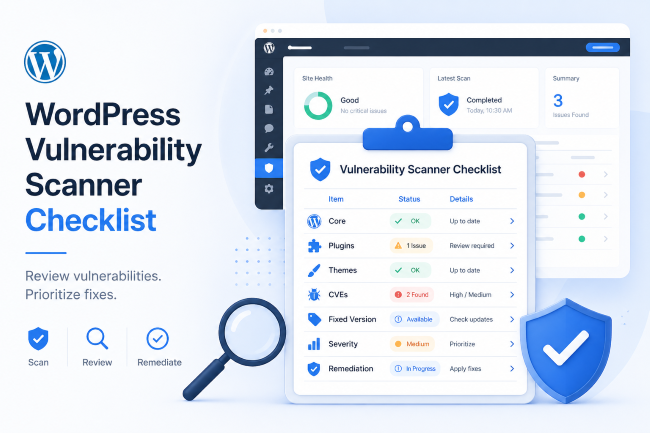
  • A checklist document titled WordPress Vulnerability Scanner outlining security audit steps.

    WordPress Vulnerability Scanner Checklist for Site Owners and Agencies

    read more
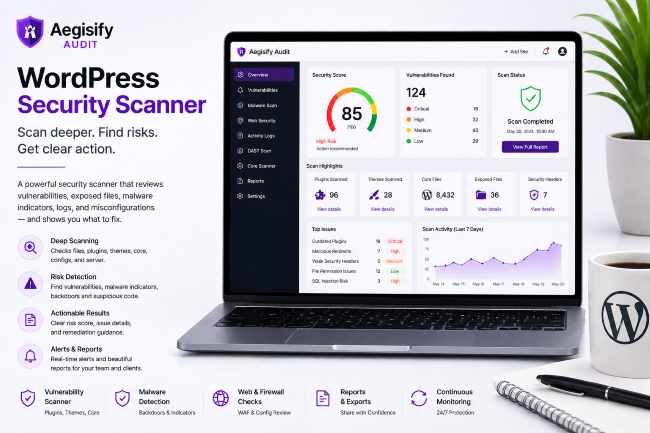
  • A digital illustration of a shield icon protecting a WordPress logo, representing website security.

    WordPress Security Scanner

    read more
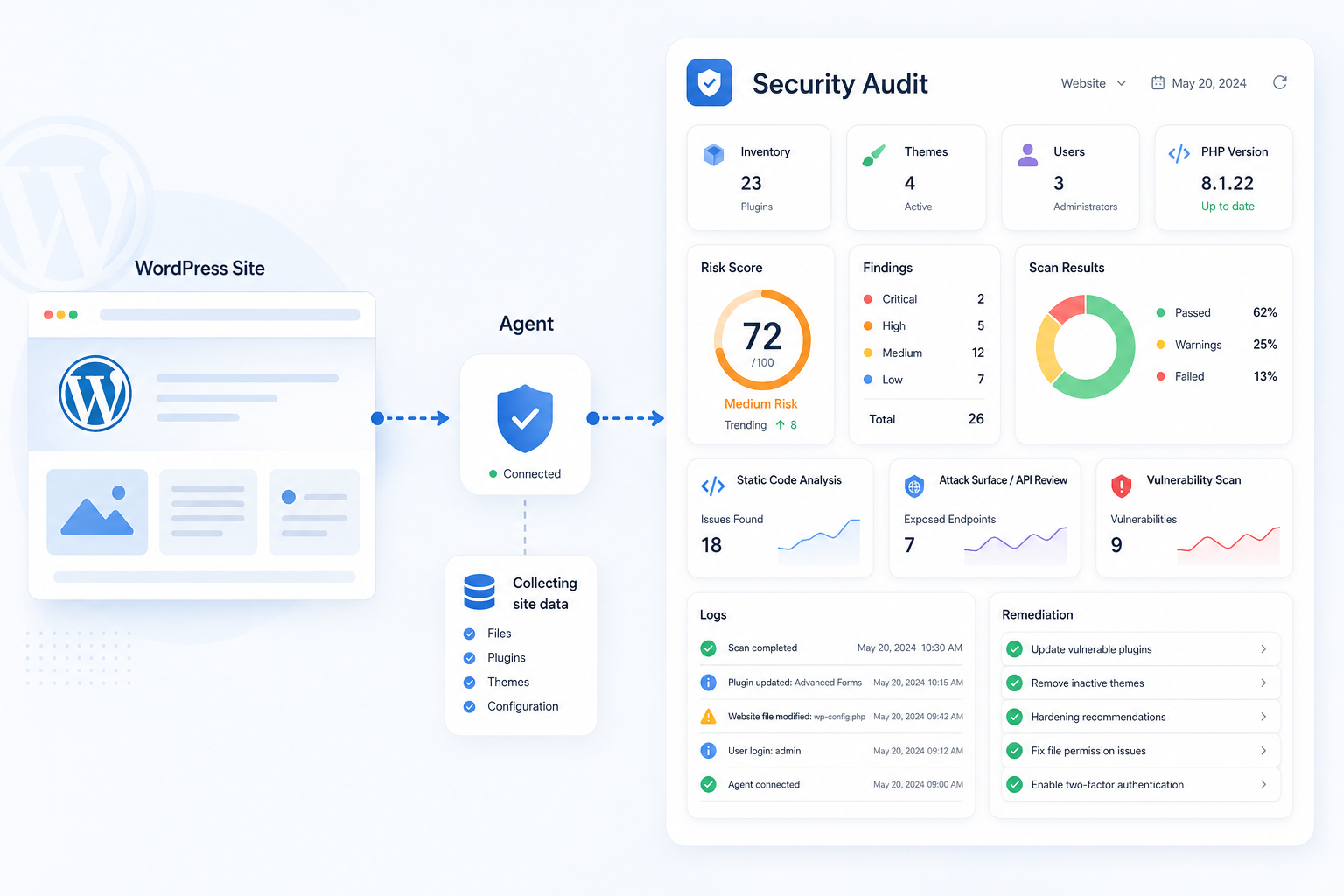
  • A shield icon with a checkmark overlaying a WordPress logo, representing a security audit.

    WordPress Security Audit

    read more
Previous123Next

Built on Clarity, Transparency, Security and Trust

© 2026 • Aegisify is a Security Scanner and Audit for WordPress, Web Applications and eCommerce • All Rights Reserved • AI SEO Powered by Aegisify SEO

Page load link